Codex GitHub 集成
Codex 与 GitHub 深度集成,可以在拉取请求中直接进行代码审查。本节详细介绍如何配置和使用 GitHub 集成。
功能概述
通过 GitHub 集成,你可以:
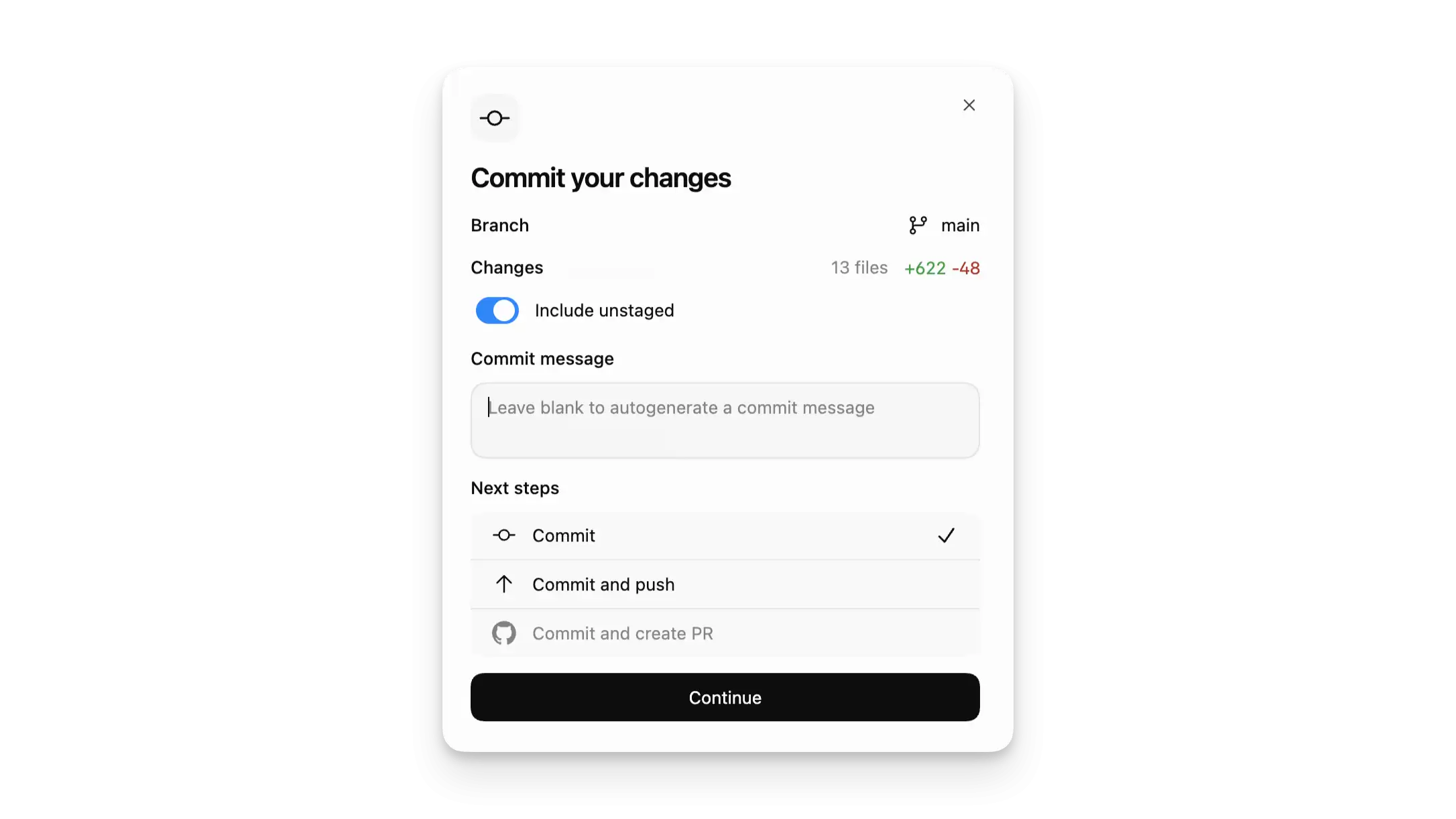
- 在 PR 评论中直接请求 Codex 审查
- 自动审查每个拉取请求
- 让 Codex 修复 CI 失败问题
- 查看代码变更并提供建议
无需离开 GitHub,Codex 就会像队友一样回复审查意见。
设置 GitHub 集成
前提条件
- Codex Cloud 订阅
- GitHub 账号
配置步骤
- 设置 Codex Cloud
- 前往 Codex 设置
- 为仓库开启 Code review 功能
- 授权 Codex 访问你的仓库
你需要授予 Codex 读取仓库和创建拉取请求的权限。
请求代码审查
手动触发审查
在拉取请求评论中提及 @codex review:
请求审查
# 在 PR 评论中输入@codex review
# 或者指定审查重点
@codex review for security regressions
Codex 响应
Codex 会:
- 对 PR 做出反应(👀)
- 分析代码变更
- 发布审查意见
- 标记发现的问题(P0 和 P1)
Codex 会像人类审查者一样在 PR 上发布审查意见。
自动审查
在设置中开启 Automatic reviews:
- 前往 Codex 设置
- 开启 Automatic reviews
- 新 PR 打开时自动发布审查
自定义审查内容
设置仓库审查指南
在仓库的 AGENTS.md 中添加审查指南:
添加审查指南
## Review guidelines- Don't log PII (个人身份信息)
- Verify that authentication middleware wraps every route
- Check for SQL injection vulnerabilities
- Ensure error messages don't leak sensitive information
模块特定规则
在子目录放置更具体的审查规则:
模块特定规则
# src/payment/ 模块审查规则## Payment-specific reviews
- Verify payment processing follows PCI compliance
- Check for proper amount validation
- Ensure transaction logging
更具体的规则会自动应用于对应模块的代码变更。
一次性审查重点
在评论中指定审查重点:
指定审查重点
# 评论示例@codex review for security issues
@codex review for performance regressions
@codex review for documentation completeness
给 Codex 其他任务
在评论中提及 @codex(不是 review)会启动云任务:
其他任务
# 修复 CI 失败@codex fix the CI failures
# 添加测试
@codex add tests for the new API endpoints
# 重构代码
@codex refactor this function to use async/await
使用 Codex 的其他功能就像在评论中 @ 它一样简单。
GitHub Actions 集成
你也可以在 GitHub Actions 中使用 Codex:
GitHub Actions 工作流
name: Codex Review
on: [ pull_request ]
jobs:
codex-review:
runs-on: ubuntu-latest
steps:
- uses: actions/checkout@v4
- name: Run Codex Review
run: |
codex exec "Review code changes in this PR" --output review.md
- name: Post Review
uses: actions/github-script@v7
with:
script: |
const fs = require('fs');
const review = fs.readFileSync('review.md', 'utf8');
github.rest.pulls.createReview({
owner: context.repo.owner,
repo: context.repo.repo,
pull_number: context.issue.number,
body: review,
event: 'COMMENT'
});
将 Codex 集成到 CI/CD 流程中可以自动化代码审查。
最佳实践
审查指南
- 在 AGENTS.md 中明确定义审查标准
- 为不同模块设置特定规则
- 指定问题优先级(P0/P1)
自动化
- 为常规 PR 开启自动审查
- 对于大型变更使用手动触发
- 结合自动化工作流使用
好的配置可以让 Codex 的审查更加精准和高效。
常见问题
Q: Codex 审查需要付费吗?
GitHub 集成需要 Codex Cloud 订阅。
Q: Codex 能访问私有仓库吗?
需要授权 Codex 访问你的私有仓库。
Q: 可以限制 Codex 审查的仓库吗?
是的,可以在设置中选择性授权仓库。
Q: Codex 标记哪些级别的问题?
默认标记 P0(严重)和 P1(重要)问题。
-
10.13
C#中Invoke、begininvoke、InvokeRequired三者之间的区别实用指南
-
10.13
Codex下载与本地部署实践:从零搭建你的AI编程助手实用指南
-
10.13
OpenClaw飞书渠道ACP功能启动的实现方式步骤实用指南
-
10.13
C# async Task返回值的使用小结实用指南
-
10.13
认识 DeepSeek Harness(DSH):Agent、Harness 与“一切皆插件“实用指南
-
10.13
C# 索引器(Indexer)超全笔记实用指南
-
专题
三国战纪-风云再起 整合版
-
专题
三国战纪-乱世枭雄
-
-
- 立刻MV歌曲转MV需要哪些素材?
- 09.02
-
- Codex GitHub 集成
- 09.02
-
- UP有哪些重点-关键信息和实际影响
- 09.02
-
- 智能排版在PPT设计中如何提升信息传递效果
- 09.02
-
-
-
下载
- |
-
-
下载
- 《行尸走肉第一章》免安装中文汉化硬盘版下载
- 单机|436 MB
- 一款以动作冒险为主题的游戏
-
-
下载
- 《街头霸王X铁拳》免安装中文汉化硬盘版下载
- 单机|111MB
- 一款非常好玩的格斗游戏
-
-
下载
- |
-
-
下载
- 《暗黑破坏神3》免安装繁体中文正式版下载
- 单机|7630 MB
- 一款以角色扮演为主题的游戏
-
-
下载
- 《马克思佩恩3》免安装硬盘版下载
- 单机|27033 MB
- 一款以第三人称射击为主题的游戏